


Detailed Energy Usage
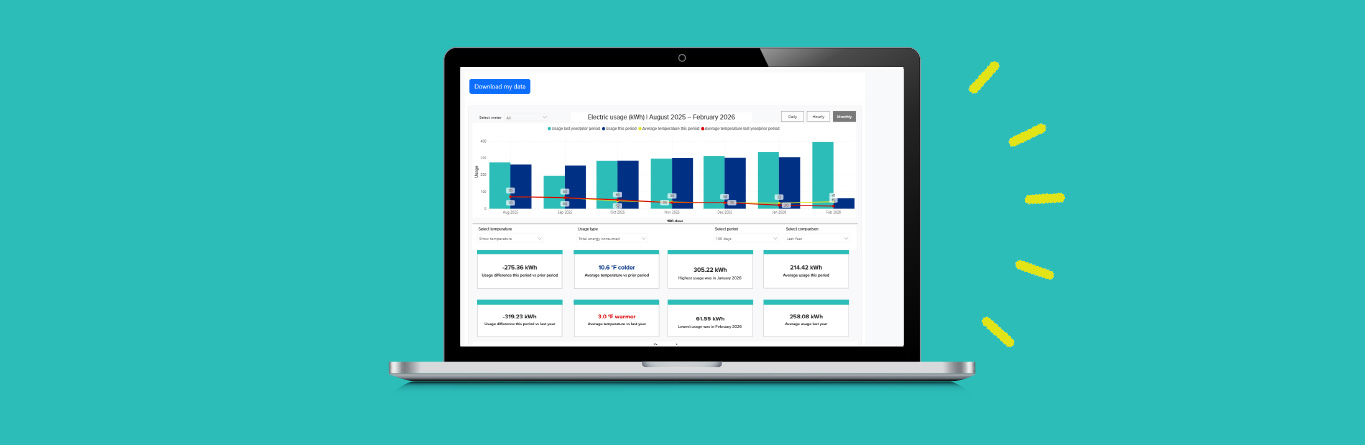
You can now see your natural gas and electric usage by hour, day, week or month.
Log in to My Energy Account
Understand your energy use
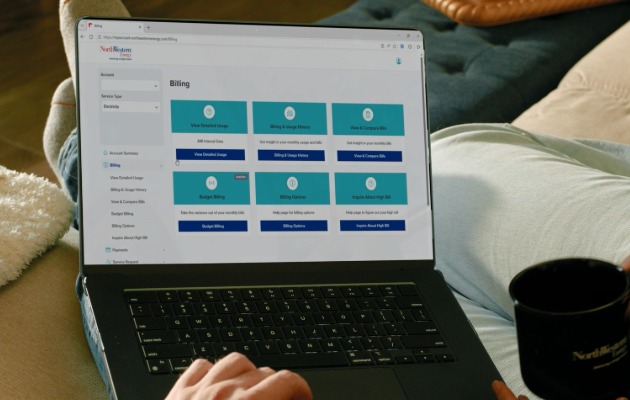
See how and when you use energy with the Detailed Energy Usage tool in My Energy Account. View your usage by month, day or hour to better understand patterns, track changes over time and see how everyday activities may affect your energy use. Having more insight into your usage can help you make informed decisions about managing energy at home.
Track your energy usage
We are now offering new tools to help you understand and manage your energy use.
Our new detailed usage tool within My Energy Account allows you to:
- View natural gas and electric usage data.
- View energy usage by hour, day, week or month.
- Compare energy consumption to daily temperatures.
- Identify patterns and trends in your energy consumption.
How do I view my detailed energy usage?
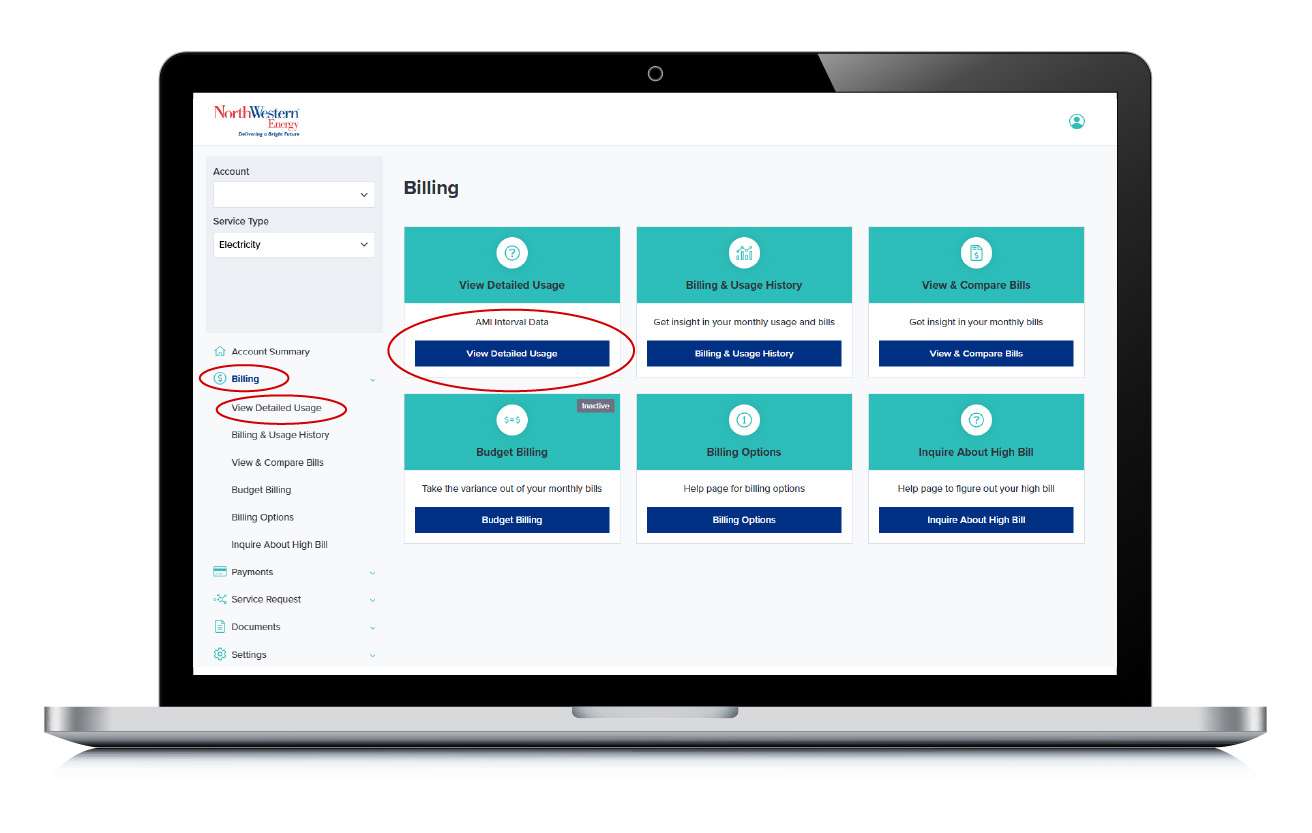
- Login to My Energy Account.
- Select “Billing” from the menu.
- Click "View Detailed Usage."
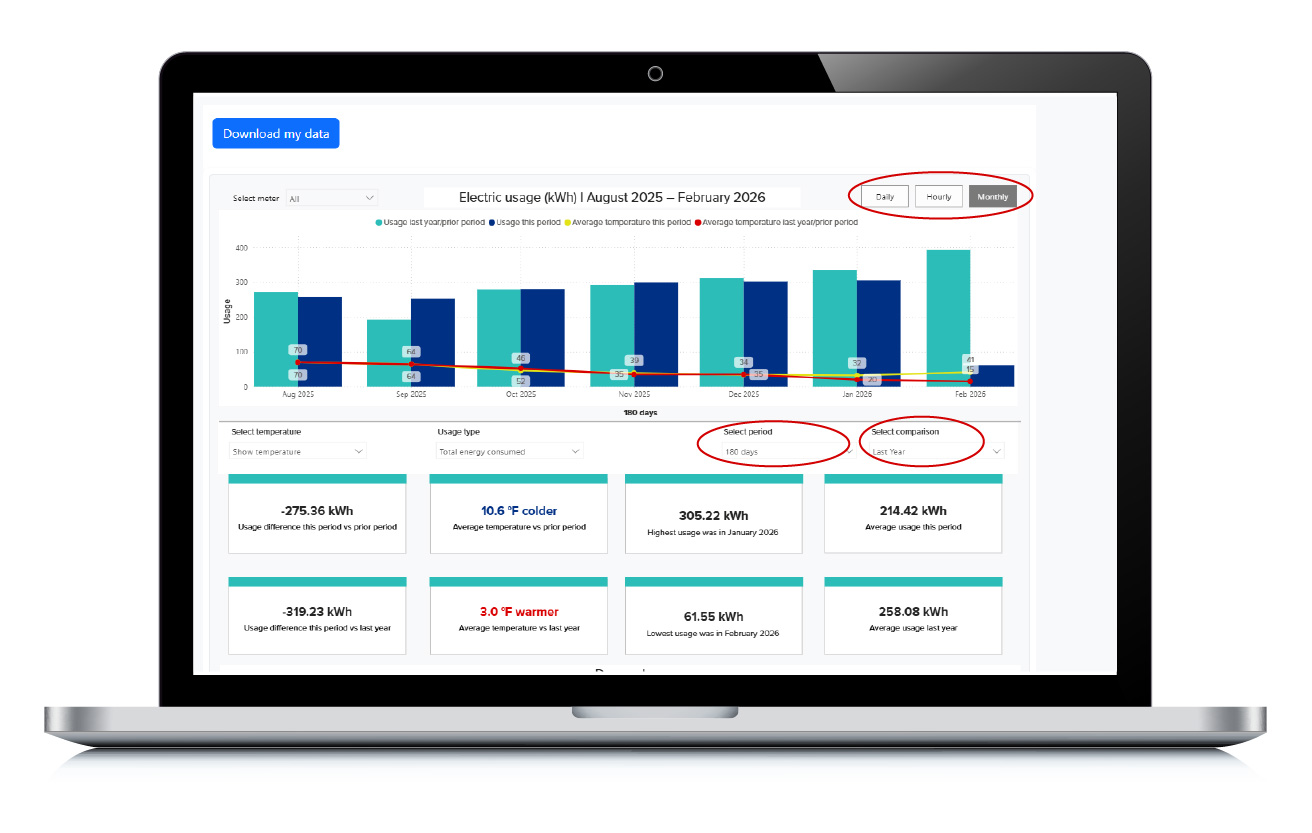
- Select whether you want to see data by day, hour or month.
- Select the time period for which you want to see your data.
- Selected a comparison time period.
- You can also choose to show temperature.
- Or you can download your data using the blue button at the top left.
Net metering customers will have additional tools that will allow them to see how much energy they export to the grid and how much they consume.
Not a My Energy Account user? It's easy to enroll.
If you aren’t registered for My Energy Account, sign up today! It’s free and easy.
Registering for an account is easy!
Step 1
Complete the two-step account registration process.
Step 2
Choose your username and secure password.
Step 3
Start managing your account, billing and service!
Important updates, delivered your way
Customize your notification preferences and receive timely text and email alerts about outages, billing, payments and account activity so you can stay informed and in control.
Not sure where to start?
You're not alone. Whether you have questions about your bill, energy use or payment options, we're here to help you find answers and support.